Customer Service & Technical Support · Client intake forms
Structured customer request forms that route tickets to the right specialist
Replace vague support emails with guided intake forms that collect environment details, attachments and urgency up front.
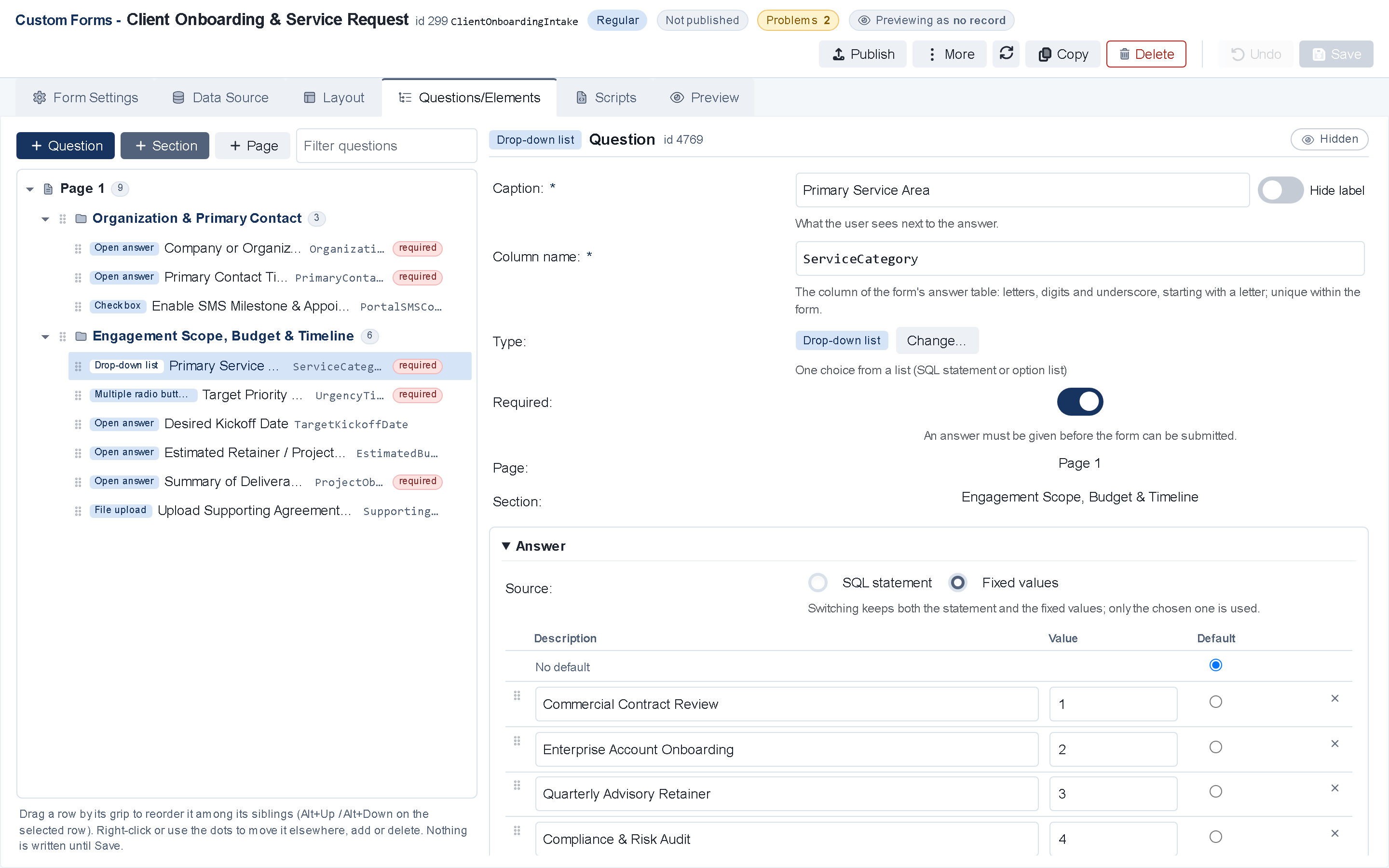
- Browser Form Designer in V12
- Conditional fields, formulas & SMS OTP
- Embedded eSign & upfront payment
Built for customer service
How customer service & technical support teams use client intake forms
Every screen, form and rule in TaskPerfect adapts to your tickets and service cases while sharing one SQL Server database across your team.
- Dynamic issue category forms that ask only the diagnostic questions relevant to the selected product or service.
- Allow customers to attach screenshots, logs or invoices directly from desktop or mobile.
- Trigger instant ticket creation, SLA timers and automated acknowledgment emails.
Intake & Onboarding
Platform capabilities included
Browser form designer
Create multi-page questionnaires in the browser with conditional visibility, lookup dropdowns, calculated totals, grids and required validation.
Sign and pay in one flow
Present agreements for electronic signature and collect an initial retainer, co-pay or service fee before the form is even completed.
Automated routing & triggers
Submission automatically creates or updates the client record, assigns the right queue, sends confirmation SMS/email and schedules follow-up.
Operational detail
Eliminate clipboards, PDFs and double data entry
Generic web forms dump unstructured emails into a shared inbox, forcing staff to copy and paste answers into your CRM. TaskPerfect forms map every answer straight into standard or custom SQL tables.
- Publish public self-signup flows with SMS one-time passcode verification (/start) or send tokenized pre-filled links (/apply) by text or email.
- Validate phone numbers, email addresses, dates, currencies and custom business rules before submission.
- Embed intake forms on your website, inside the branded Client Portal, or inside staff workspaces for guided phone intake.
- Attach supporting IDs, contracts or photos directly from a smartphone browser during intake.
For IT, security and operations teams
Client intake forms — technical & architecture highlights
- Data mapping
- Browser Form Designer writes directly to standard TaskPerfect tables or custom organization-specific SQL tables.
- Logic engine
- Multi-page conditional show/hide rules, dynamic formulas, data grids and server-side validation.
- Security
- HTTPS TLS encryption, public SMS OTP verification (/start), tokenized links (/apply) and IP/timestamp audit trail.
Technical overview →Data ownership & hosting →Security & compliance →
More for customer service
Explore other customer service capabilities
Ready to see TaskPerfect tailored to your team?
A live 30-minute walkthrough covers your intake flow, documents, billing, client portal and hosting options.